

AGC‑VISIONA new standard for quality control in industry
Our solution
It was born out of observations of everyday challenges, frustration with the limitations of manual quality control, and the belief that technology can—and should—support people in areas where precision, speed, and reliability are essential.
Our system uses advanced neural networks, image analysis, and cloud-based data processing to provide intelligent, scalable, and flexible quality control—accessible from anywhere in the world, on any device, even a mobile phone.
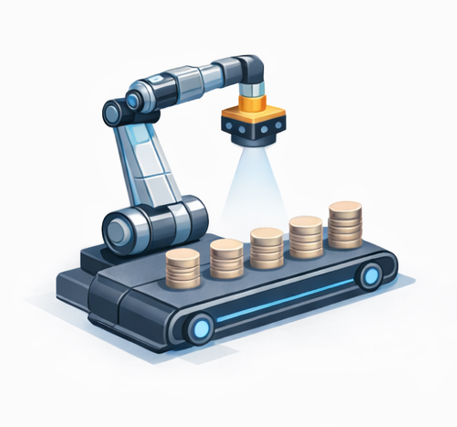
Taking photos on the production line
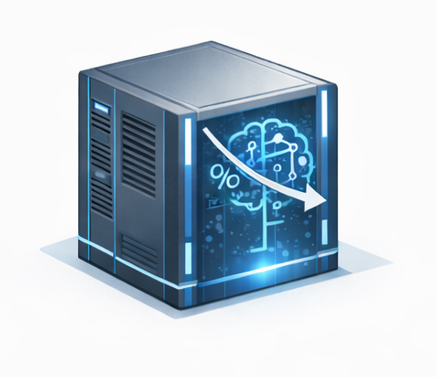
Image verification using a neural network
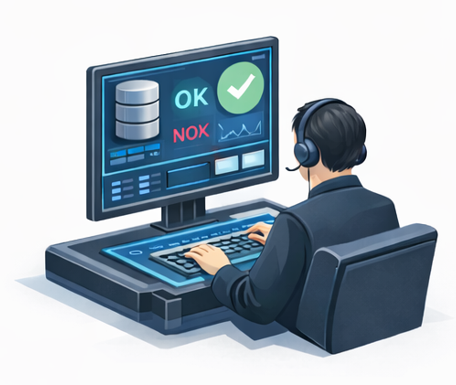
Feedback for the operator, OK/NOK section
Discover the featuresof the app
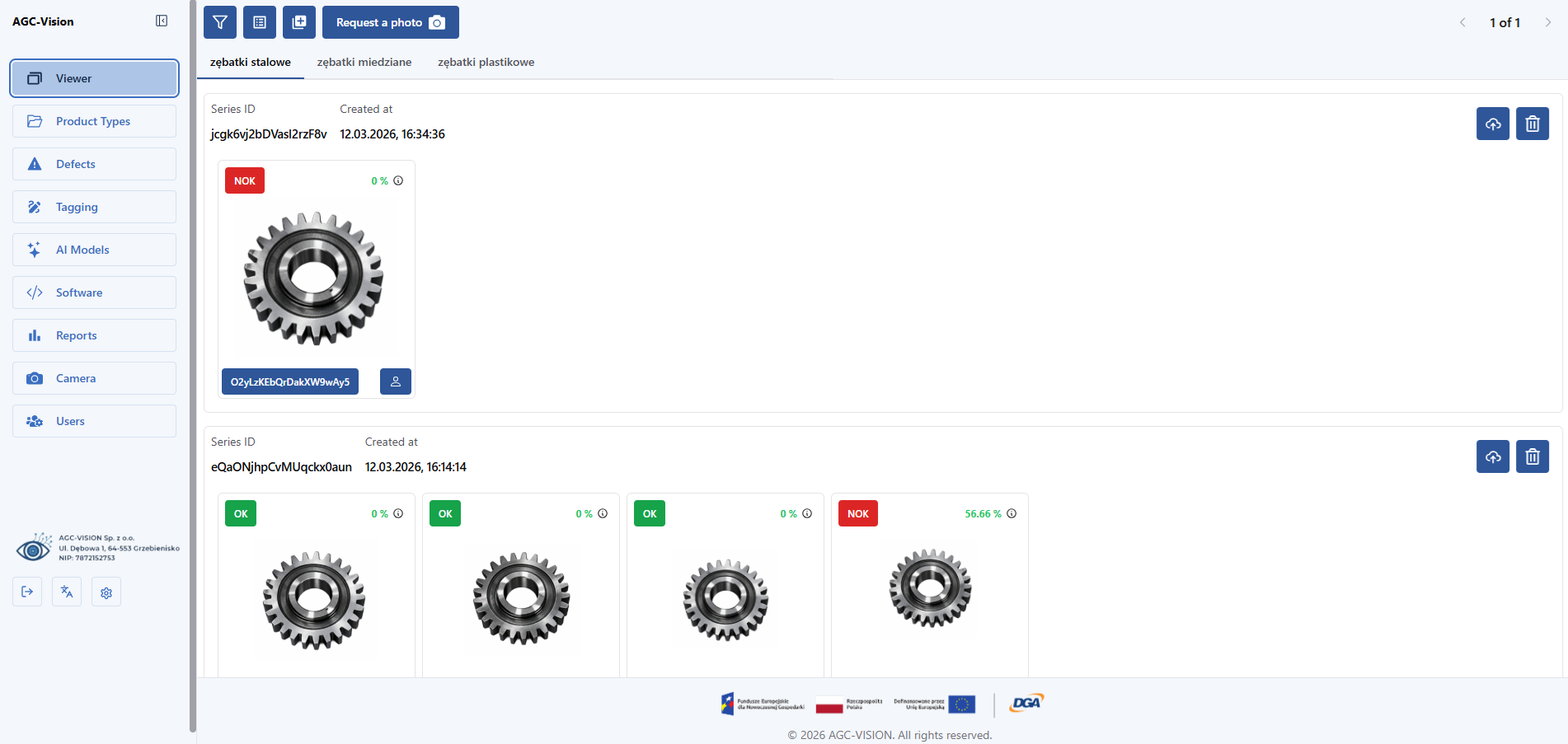
A quick preview of photos taken during the inspection, with the ability to immediately mark them as OK or NOK and review error details such as their number, location, and size.
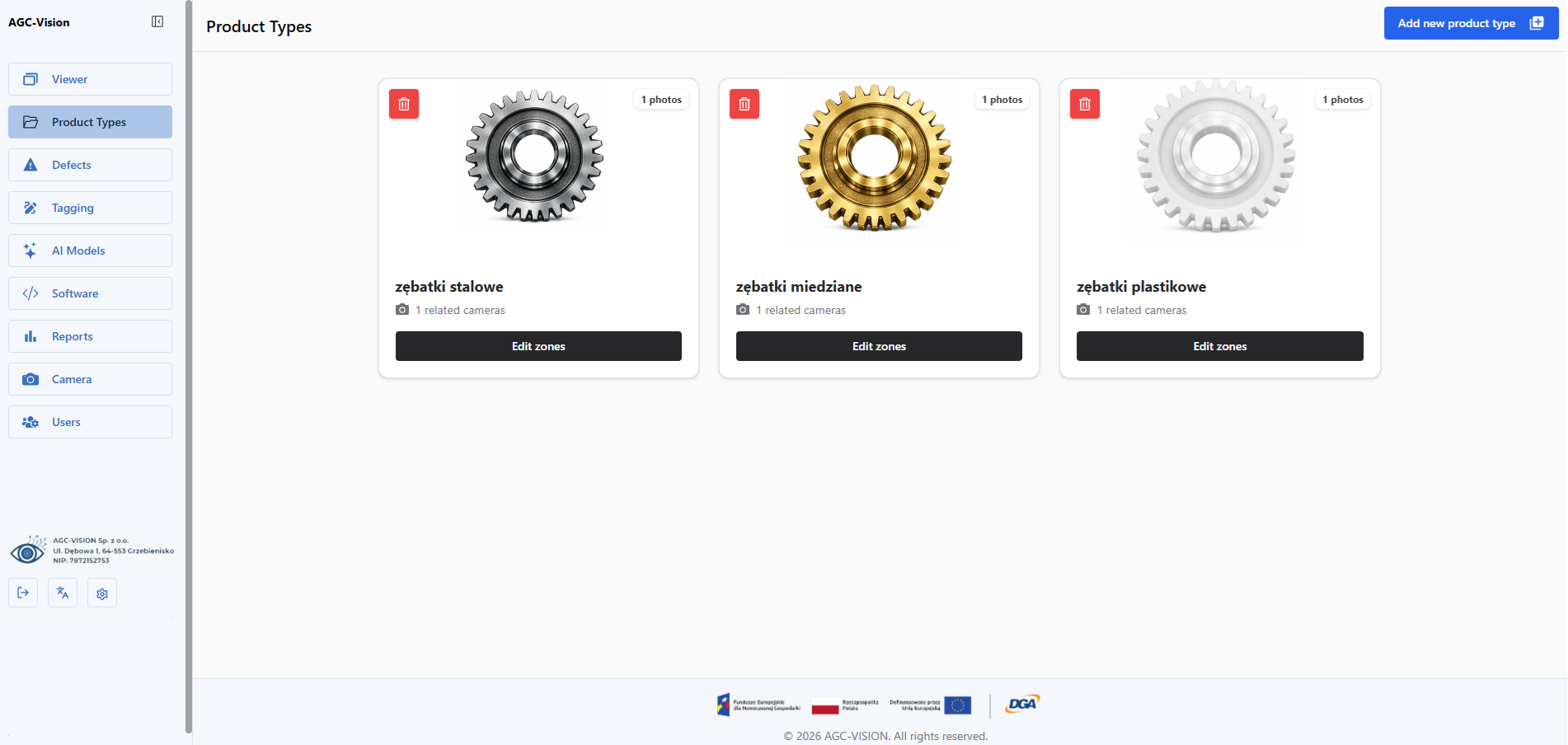
The ability to add a new product type to be evaluated or to modify the parameters of existing ones.
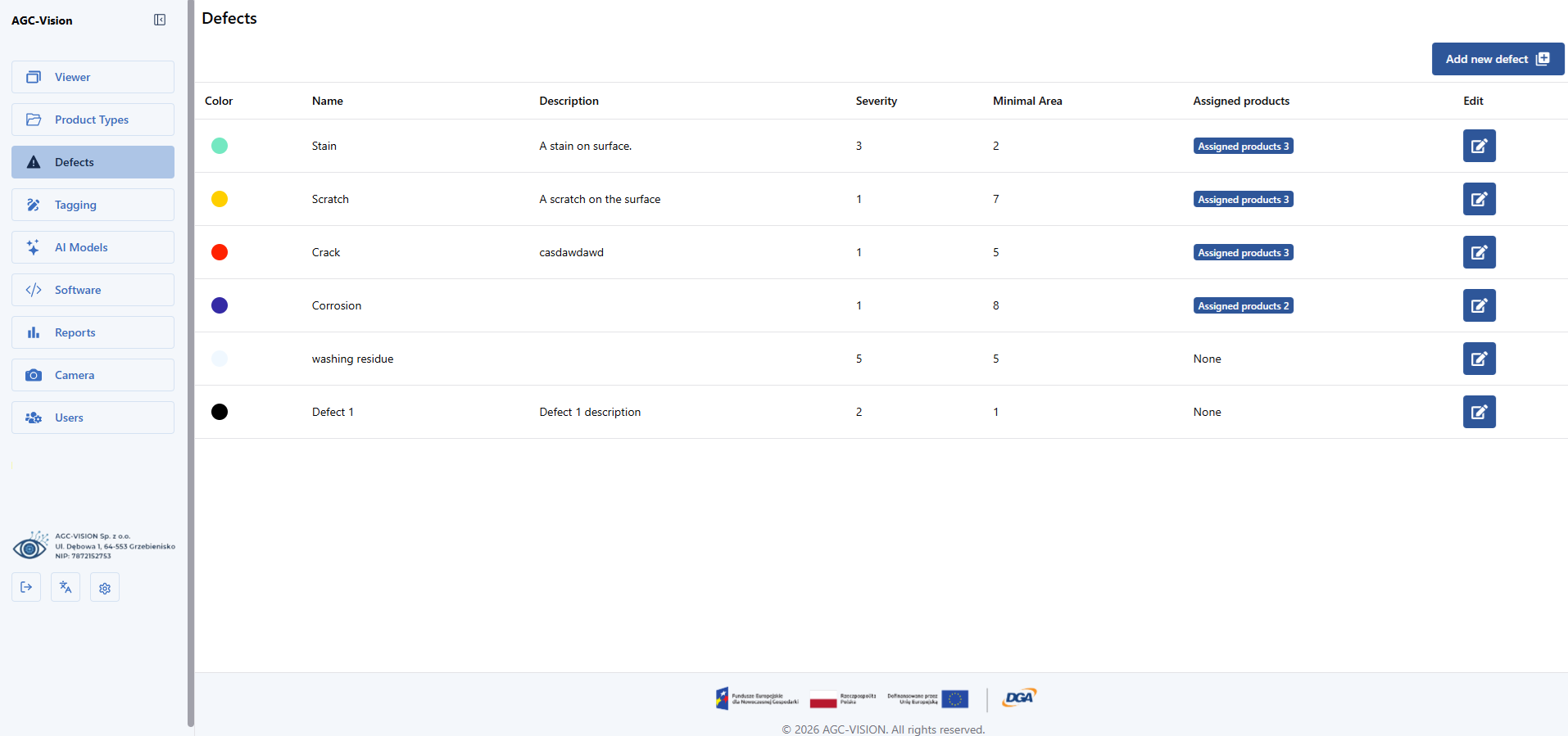
Define new defect types and conveniently view existing ones. Users can add descriptions, assign colors, and link defects to product types.
The app allows you to quickly train the network—when a new anomaly is detected, you can immediately label it as a defect or a valid element. You can also add new error types, which the system automatically incorporates into the existing model
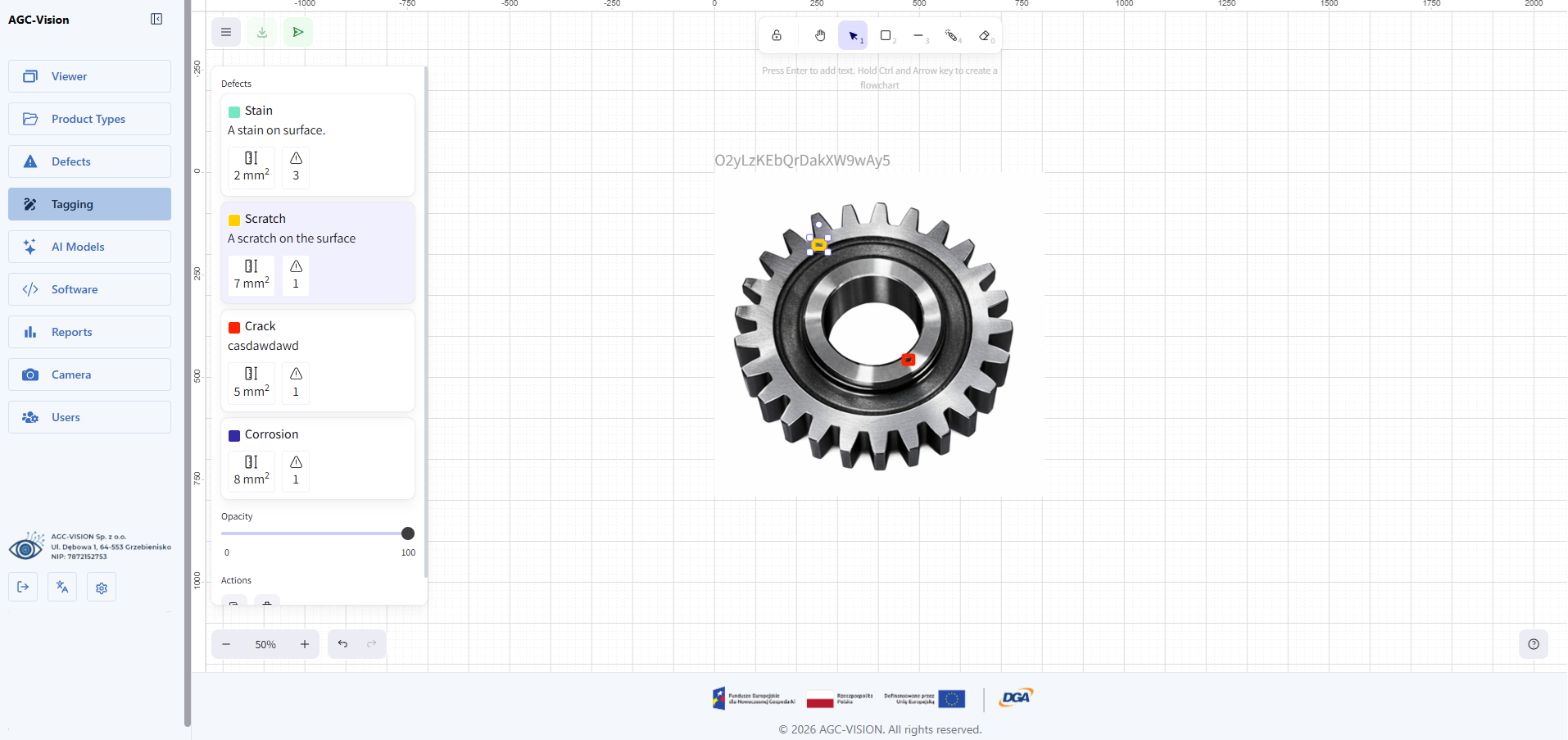
Transparent access to production line statistics: the number of detected defects, quality trends, and detailed reports for individual workstations. This makes it easy to monitor process quality and respond quickly to deviations.
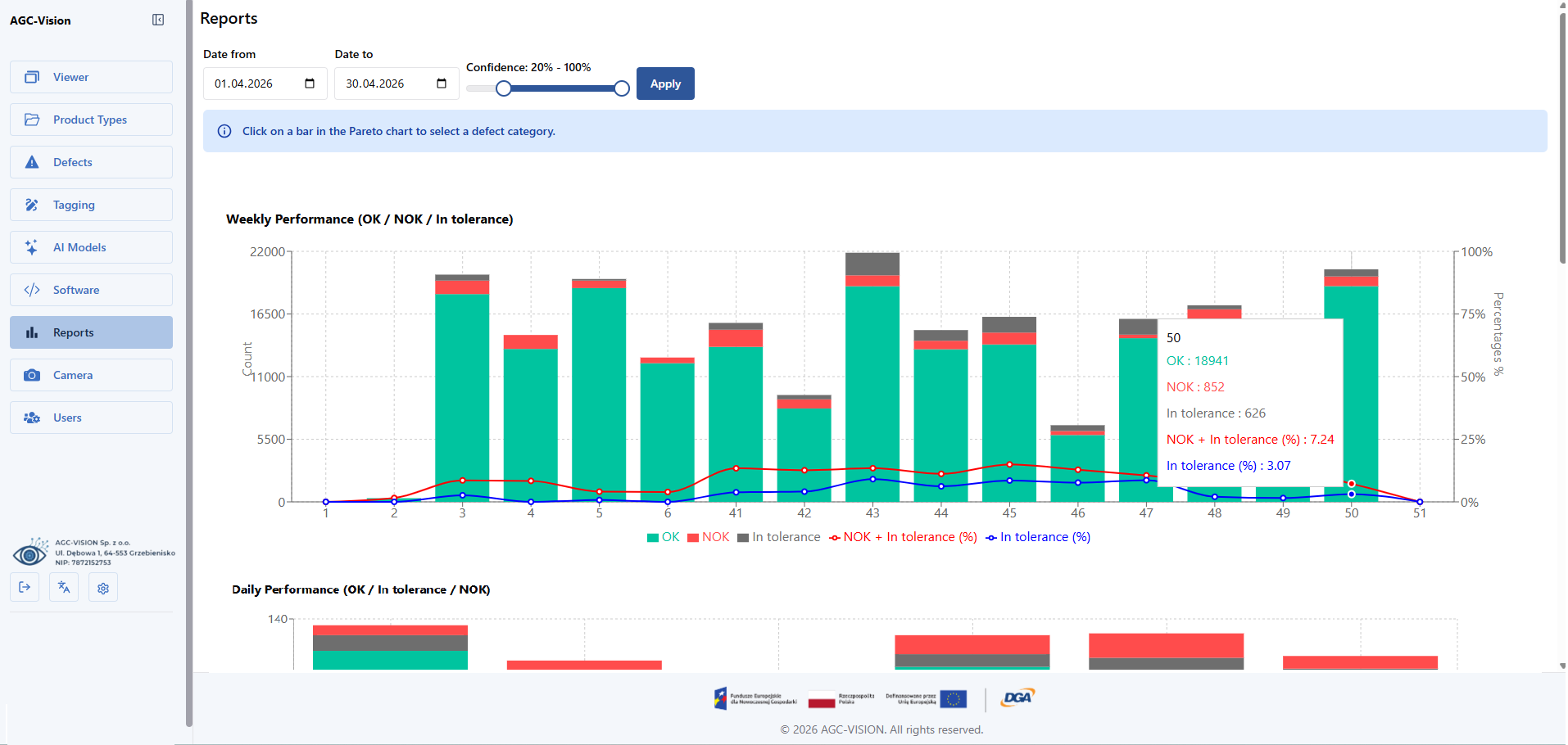
Access management in the system: creating accounts, assigning roles and permissions, and controlling who can view photos, edit data, or manage models. This ensures that each user has access to exactly the features they need for their work.
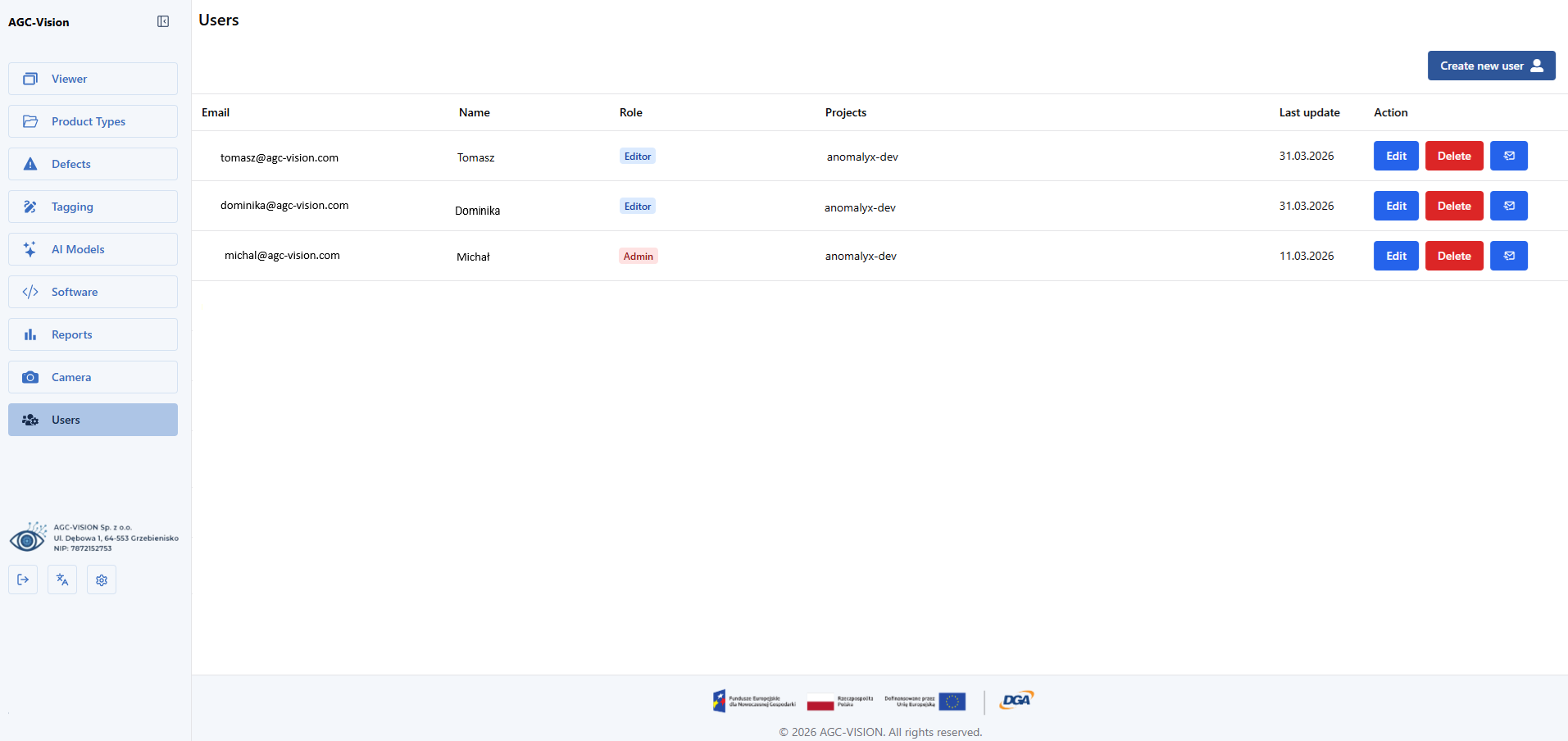
A quick preview of photos taken during the inspection, with the ability to immediately mark them as OK or NOK and review error details such as their number, location, and size.
The ability to add a new product type to be evaluated or to modify the parameters of existing ones.
Define new defect types and conveniently view existing ones. Users can add descriptions, assign colors, and link defects to product types.
The app allows you to quickly train the network—when a new anomaly is detected, you can immediately label it as a defect or a valid element. You can also add new error types, which the system automatically incorporates into the existing model
Transparent access to production line statistics: the number of detected defects, quality trends, and detailed reports for individual workstations. This makes it easy to monitor process quality and respond quickly to deviations.
Access management in the system: creating accounts, assigning roles and permissions, and controlling who can view photos, edit data, or manage models. This ensures that each user has access to exactly the features they need for their work.
Customize the home screen to suit your needs: choose the most important metrics, modules, and views so that key information is always at your fingertips and visible as soon as you launch the app.
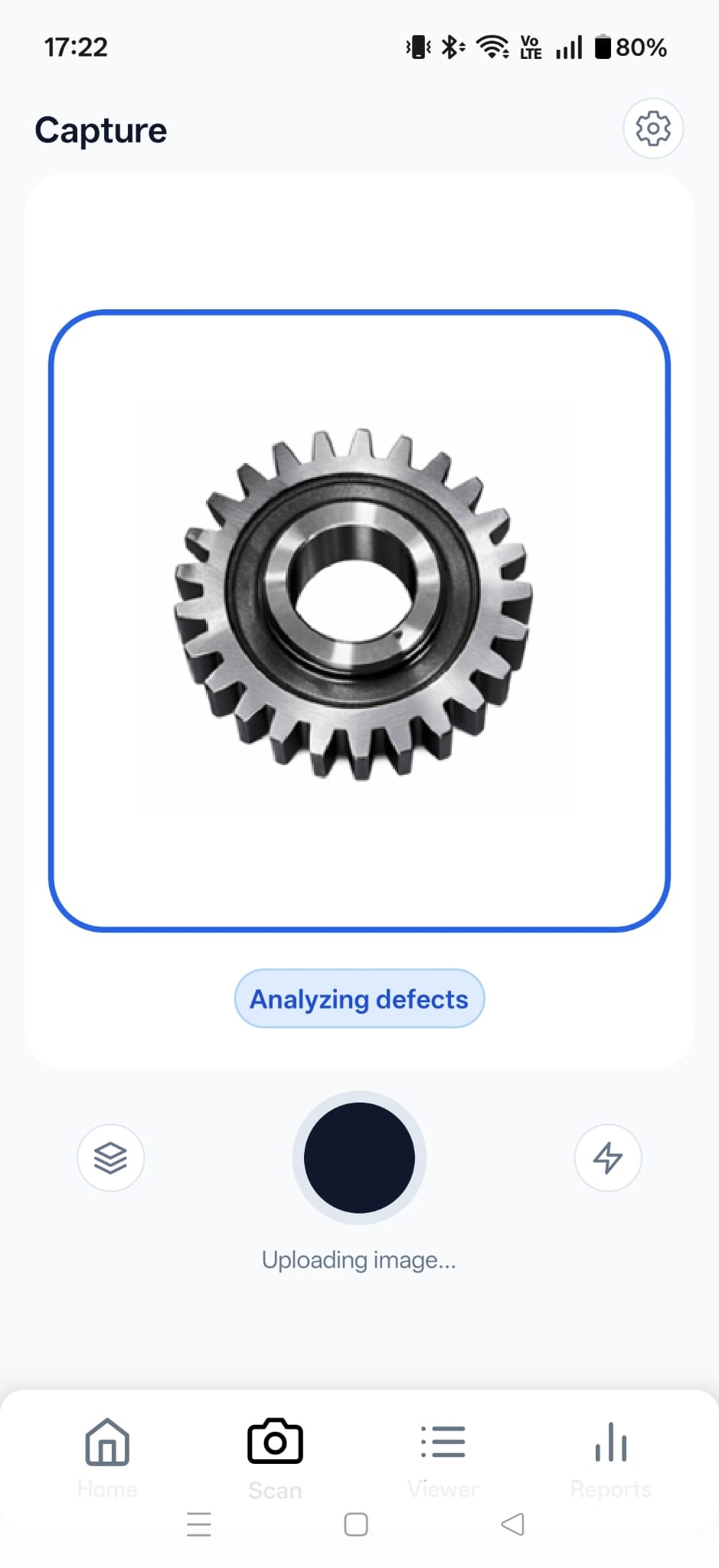
Take photos directly from the app and have the images analyzed instantly by a neural network. The user immediately receives a pass/fail rating and a preview of the detected defects, allowing them to quickly verify the quality of the component
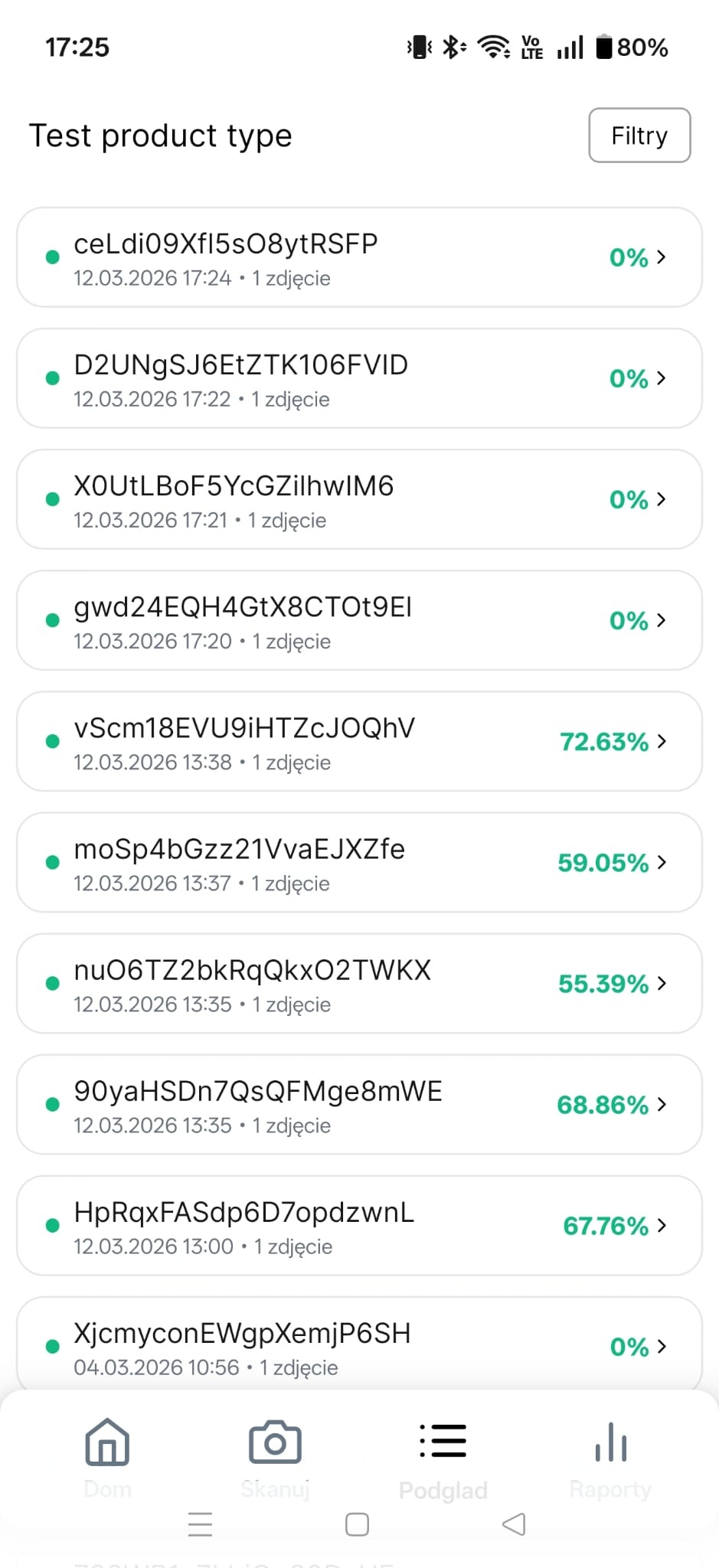
A convenient overview of all photos taken on a selected line: shot ID, date taken, and OK/NOK statistics. This allows you to quickly review the inspection history and identify batches with an elevated number of defects.
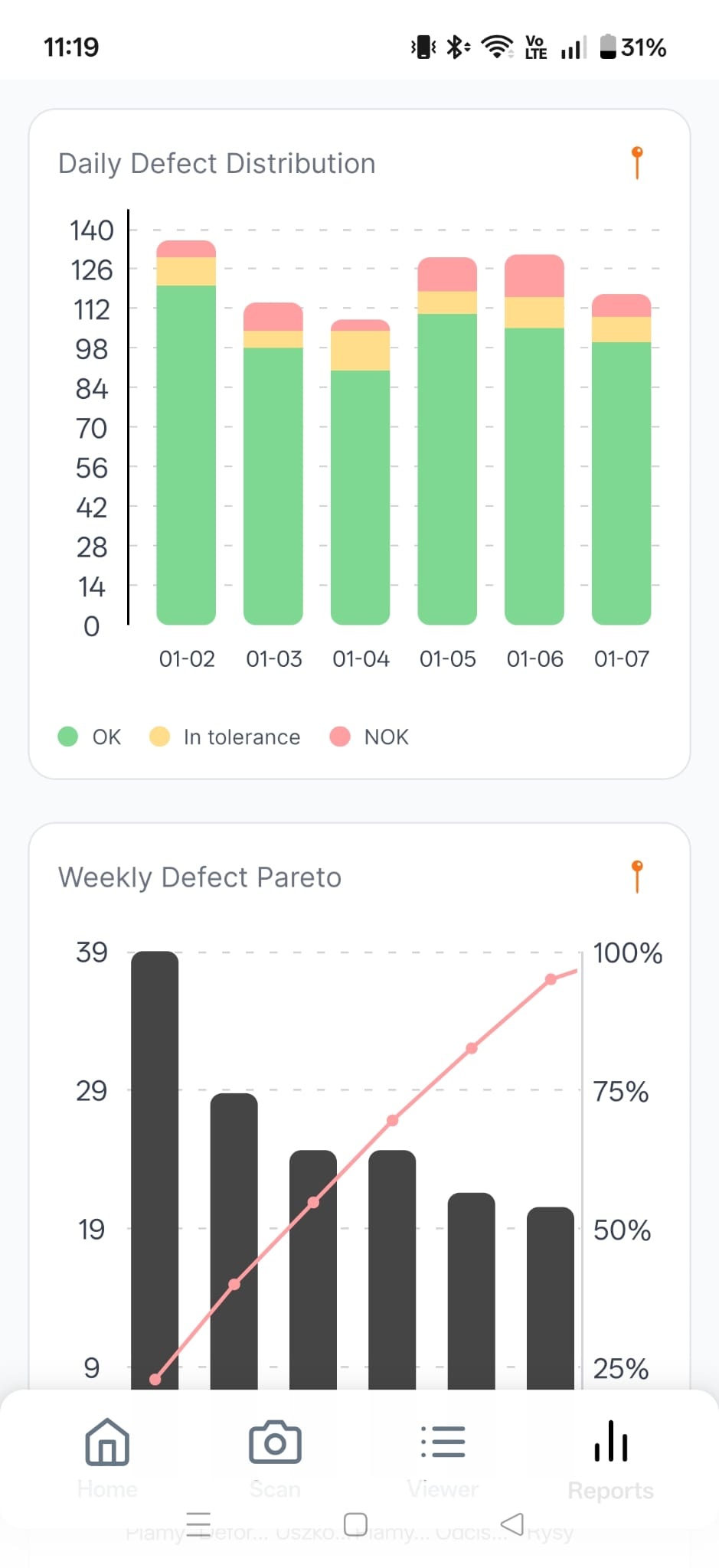
Transparent access to production line statistics: the number of detected defects, quality trends, and detailed reports for individual workstations. This makes it easy to monitor process quality and respond quickly to deviations.
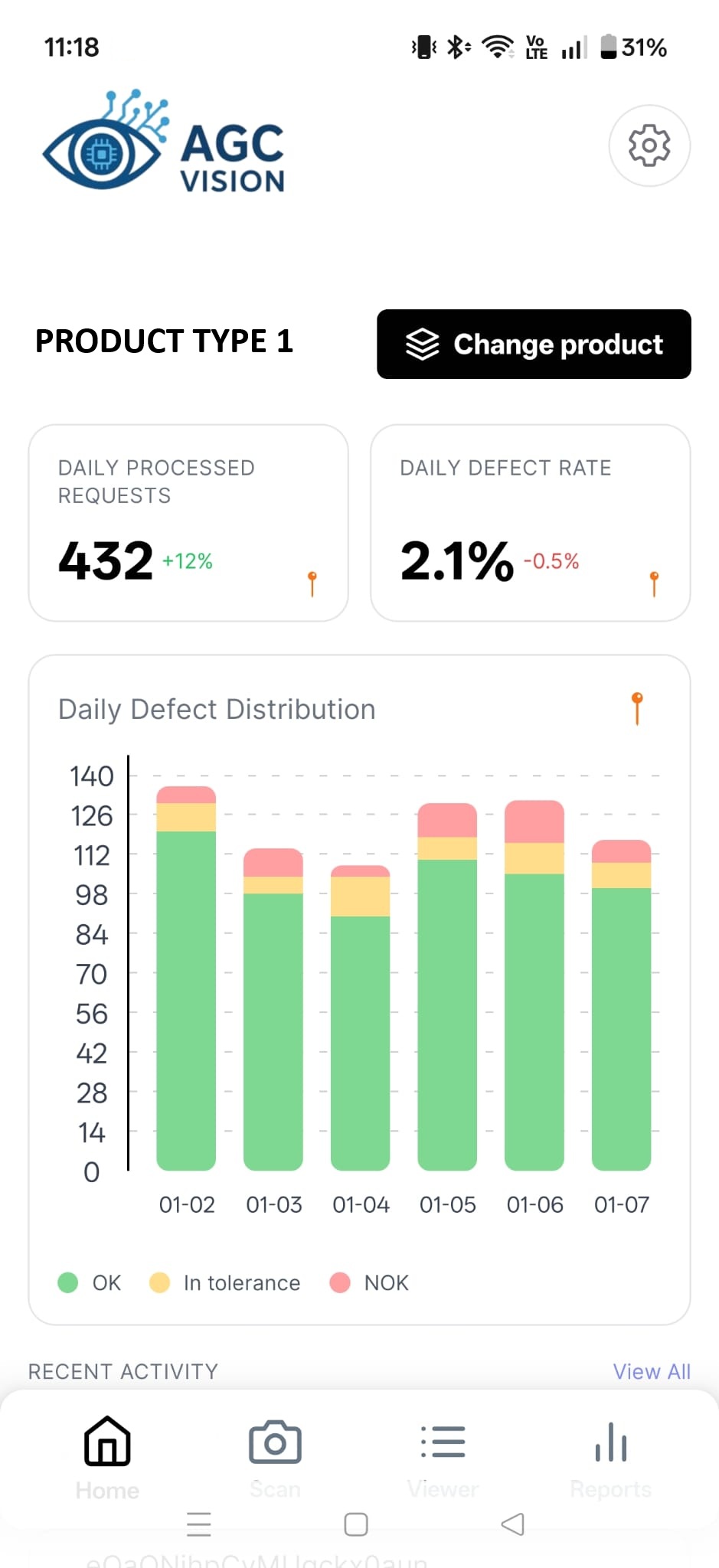
Customize the home screen to suit your needs: choose the most important metrics, modules, and views so that key information is always at your fingertips and visible as soon as you launch the app.
Take photos directly from the app and have the images analyzed instantly by a neural network. The user immediately receives a pass/fail rating and a preview of the detected defects, allowing them to quickly verify the quality of the component
A convenient overview of all photos taken on a selected line: shot ID, date taken, and OK/NOK statistics. This allows you to quickly review the inspection history and identify batches with an elevated number of defects.
Transparent access to production line statistics: the number of detected defects, quality trends, and detailed reports for individual workstations. This makes it easy to monitor process quality and respond quickly to deviations.
The implementation processin your company
1. Needs assessment and quality audit
First, an AGC-VISION engineer contacts the company to understand the current state of the quality control process. We check whether there are defect catalogs, how evaluation criteria are defined, and how the flow of information is structured on the production floor.
2. Setting up workstations and integrating cameras
We then assist the company in selecting and integrating cameras or other image sources on the production line. The goal is to begin systematically capturing images of the components being inspected.
3. Tagging photos and preparing data
The collected images are annotated—specific defects, their locations, and types are identified. Based on this, a training dataset is created, which serves as the foundation for training AI models.
4. Training a neural network
Using a prepared database, we train a neural network to recognize defects specific to a given production process. The model learns to distinguish between correct and defective items and identifies subtle defects that are not visible at first glance.
5. Effectiveness tests on new photos
After training the model, we run tests on new, previously unseen images. We check how effectively the system detects defects and whether it meets the client’s quality requirements.
6. Run the real-time analysis
After successful validation, the system begins analyzing the images in real time. The results are displayed in the analytics dashboard, and users can immediately rate the items as OK or NOK.
7. Continuous improvement and adjustments
The model is continuously refined and trained using new data. As a result, the system constantly improves its effectiveness and adapts to changing production conditions.